

TidyMac
Clean, uninstall and watch your Mac
A native Mac app that frees disk space, removes apps with their leftovers, runs maintenance and shows what your machine is doing.

Features
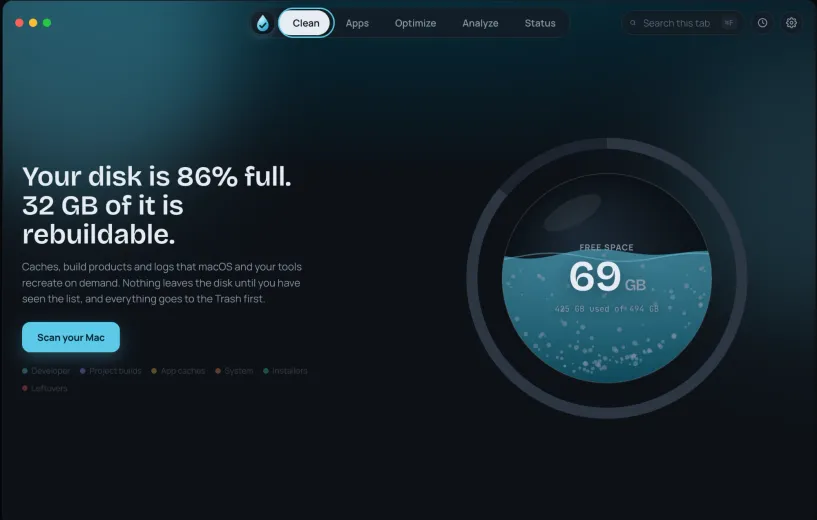
Clean
Caches, build products and logs your tools recreate on demand. Nothing goes until you have seen the list, and everything lands in the Trash first.
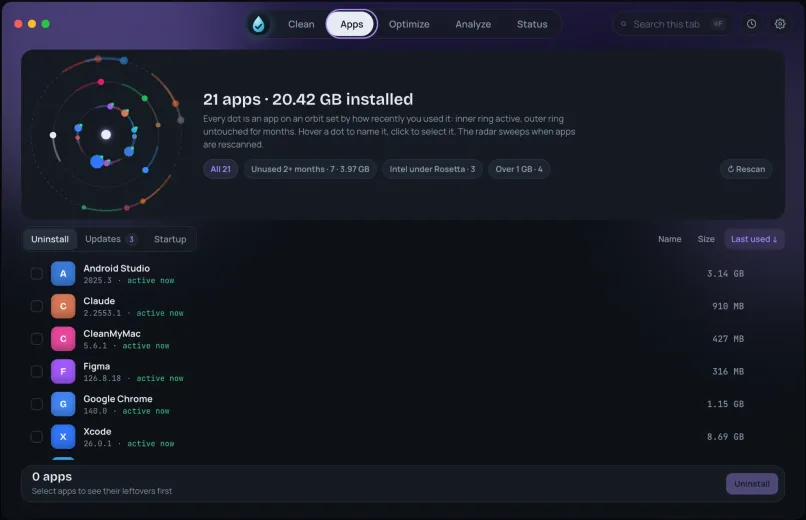
Apps
Search your apps, uninstall them together with the files they leave behind, see what you have not opened in months, and manage what starts at login.
Optimize
Maintenance tasks that say what they fix and what they touch before they run, including freeing memory without a password.
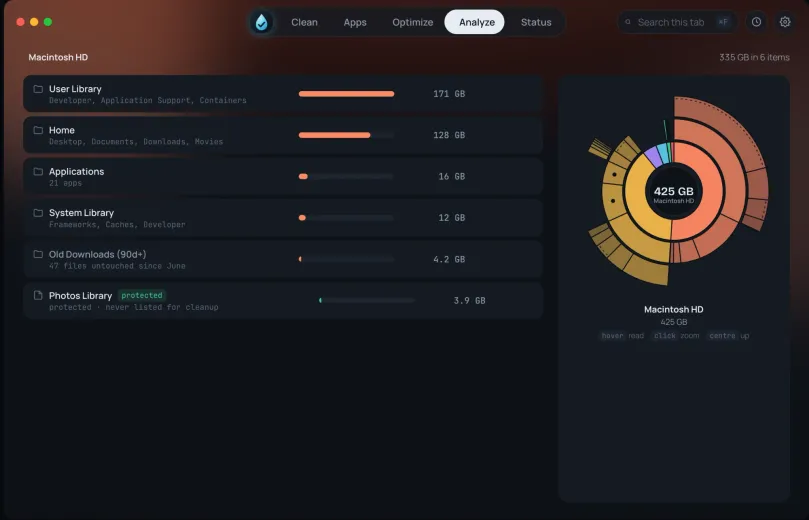
Analyze
A map of where your disk space actually went, folder by folder.
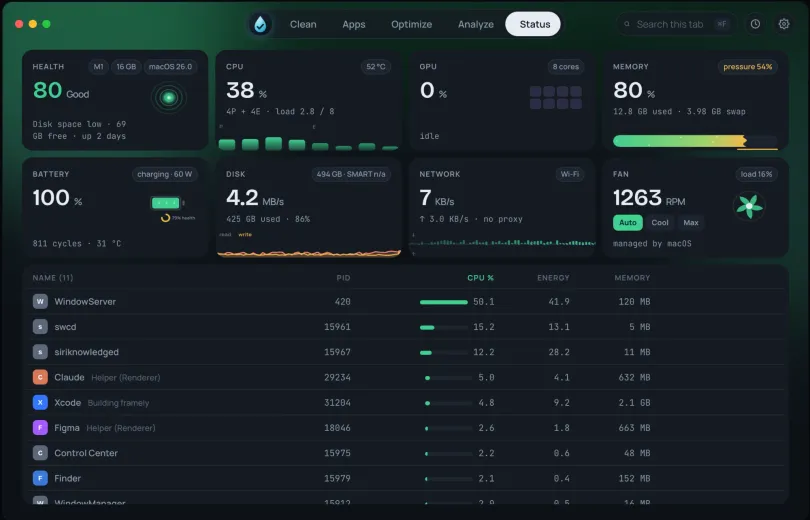
Status
A live dashboard for CPU, memory, disk, network, battery and fans, with the processes behind them. The same numbers sit in the menu bar, which opens with your Mac.
Light, fast, no subscription
Five tabs in one native window, built for Apple Silicon and Intel. Under 5 MB to download and under 9 MB installed, and a full scan of a well-used Mac takes about half a minute.
About TidyMac
TidyMac is a native Mac app for the jobs that pile up on a working machine: disk space you cannot account for, apps you removed that left files behind, maintenance you are not sure is safe to run, and a machine that feels slow with no obvious reason.
Every action explains itself before it runs. The cleaner shows what it found and why it is safe to remove. Maintenance tasks say what they fix and what they touch. Nothing is hidden behind a single big button.
One window, five tabs, free. No subscription and no account.